GET TO KNOW THE GAME
What is Minesweeper?
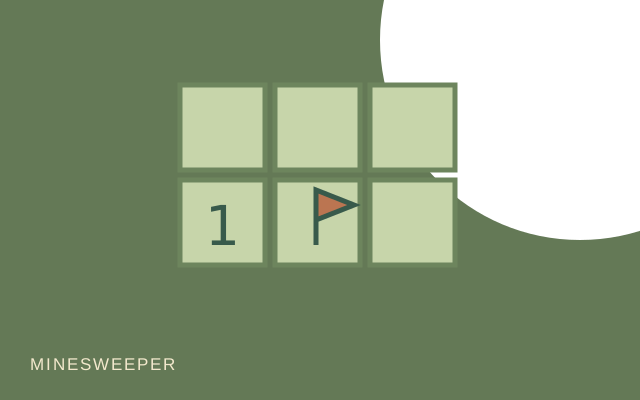
Each number tells you how many mines touch that square, including diagonals. Use the information to decide what to reveal next and what to mark with a flag. This version places its mines after your first reveal, keeping that square and its surrounding area clear. To win, open every safe square.
How to play
- Choose Easy, Medium or Hard from the Board menu, then reveal your first square.
- Read each revealed number as the count of mines in its neighboring squares.
- Mark suspected mines with flags and keep revealing safe squares. New Board starts a fresh puzzle.
Controls
- Mouse
- Click to reveal. Right-click a covered square to add or remove a flag.
- Touch
- Use Mode: Reveal or Mode: Flag, then tap the squares.
- Board sizes
- Easy: 8×8 with 10 mines. Medium: 10×12 with 20. Hard: 12×14 with 32.
A few ideas for your next round
- A number with all its surrounding mines already flagged can help identify the remaining safe neighbors.
- Recheck the Flag mode before tapping a square on a phone.
- A flag is your own note, not proof. Check the neighboring numbers before trusting it.
Good to know
Is the first click safe?
Yes. Mines are placed after the first reveal, excluding that square and its neighbors.
How do I flag a square on a phone?
Switch to Mode: Flag and tap the square. Switch back to Reveal before opening more cells.
Do I need to place every flag to win?
No. The win condition is opening every safe square.