GET TO KNOW THE GAME
What is Crate Quest?
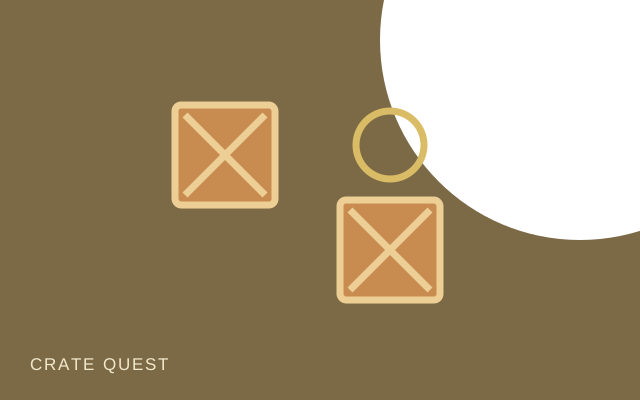
Every crate changes the space around you. Crate Quest turns a small room into a planning problem: move the blue player through the corridors and push every crate onto a gold goal. Crates can be pushed but never pulled, so a tempting shortcut can close off the route you need. Use the level picker to explore the supplied boards at your own pace.
How to play
- Choose a board from the Level menu. The blue circle is your player; gold rings mark the goals.
- Move beside a crate and push it toward a goal. A green crate is already in place.
- Use Undo to take back a move or Retry to restore the current board. Finish when every crate is on a goal.
Controls
- Keyboard
- Arrow keys or W, A, S, D to move. Z to undo.
- Touch
- Use the direction buttons, or swipe the board. Tap Undo or Retry when needed.
A few ideas for your next round
- Look for the crate with the fewest possible routes before making your first push.
- A crate in a corner without a goal cannot be pulled back out.
- Keep a corridor open for your player, even when a crate seems close to its goal.
Good to know
Can I undo a move?
Yes. Undo restores your previous move. Retry restarts the selected board.
Do I have to unlock every level?
No. The level picker lets you choose any of the 100 supplied boards.
Does my progress follow me to another device?
No. Supported completion information stays in the current browser. Individual puzzle moves are not a cloud save.